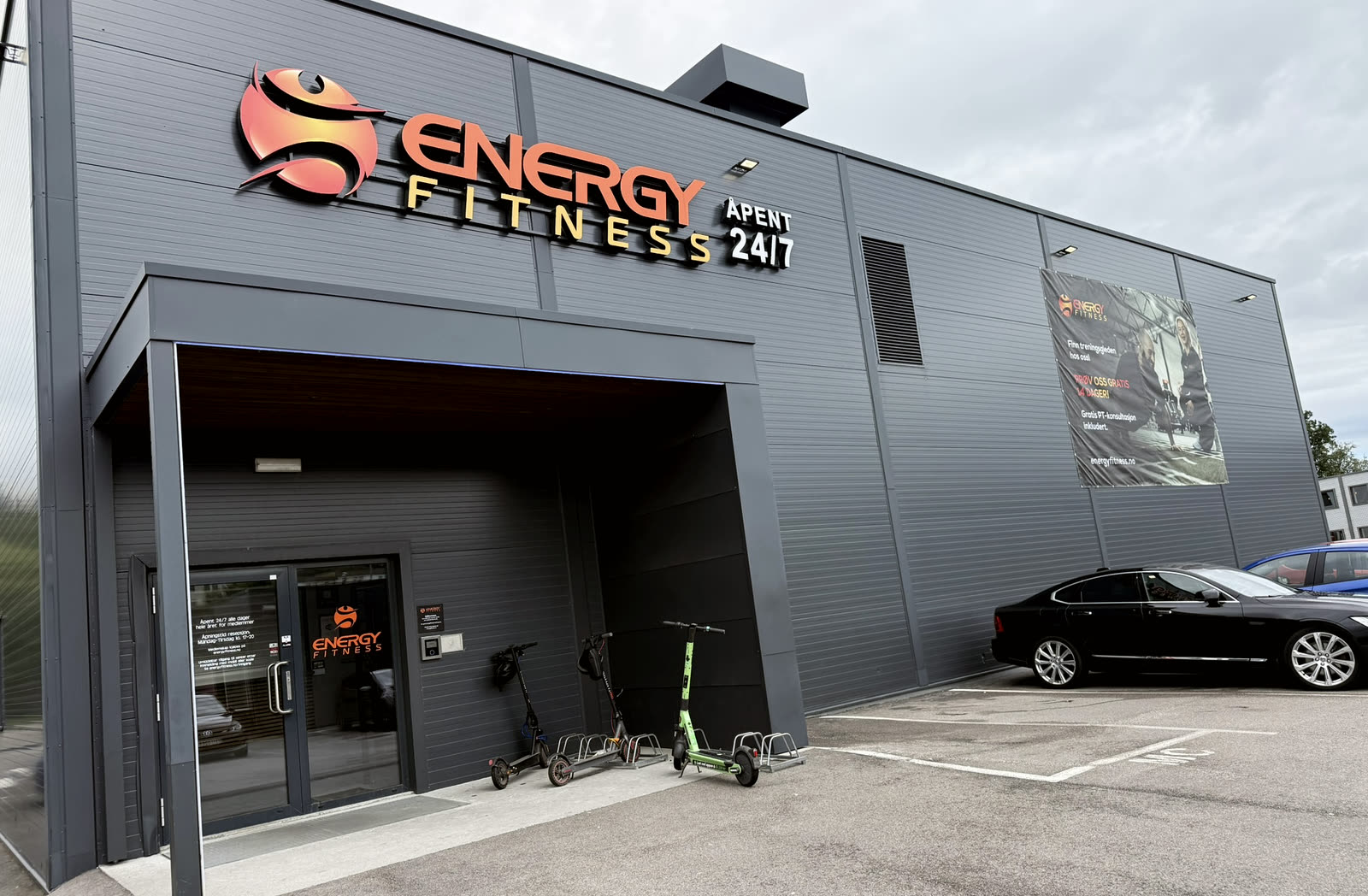
- ENERGY
- Access
Access
Membro is
your key
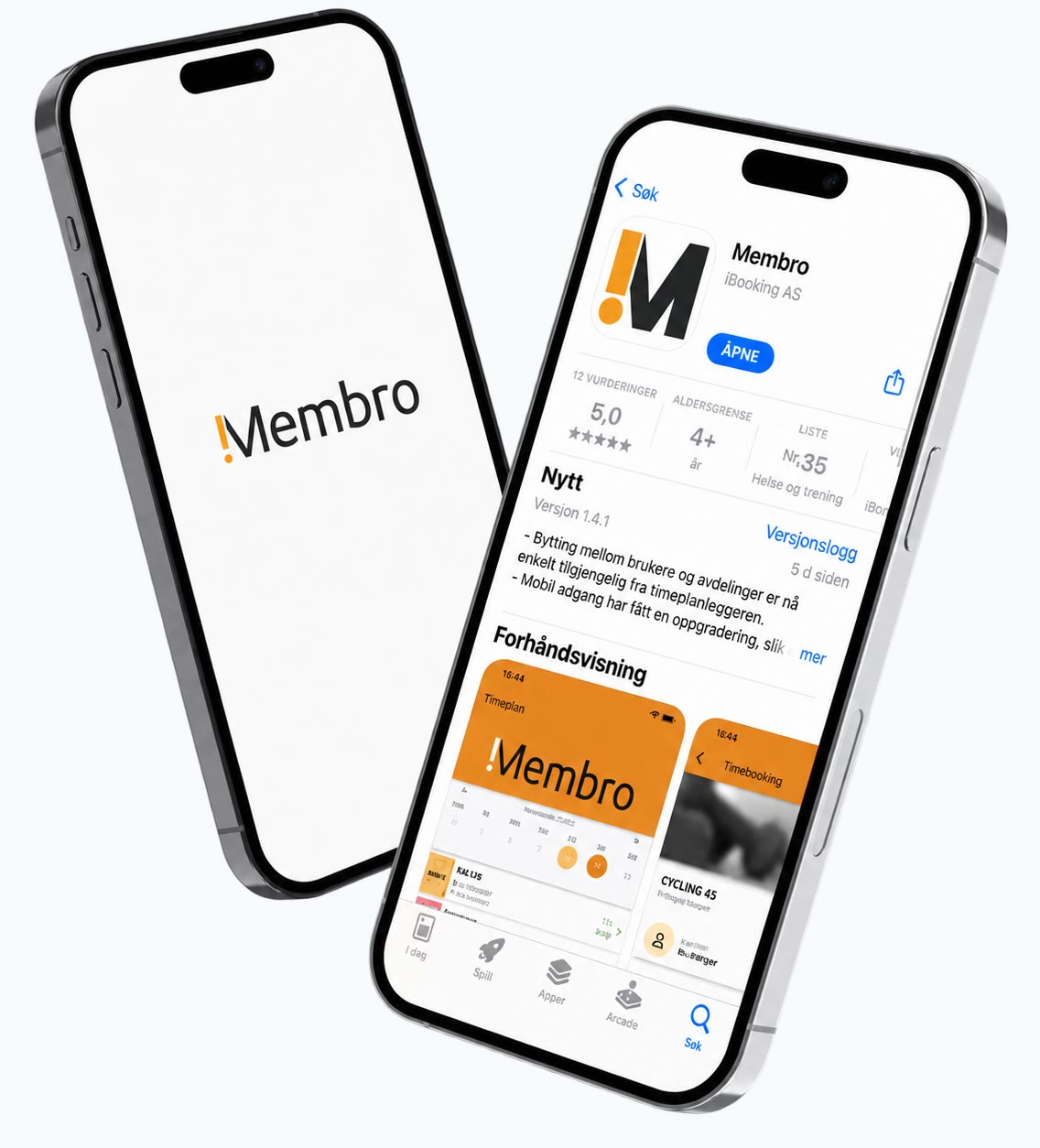
The Membro app is your digital access card. Download it, log in with your mobile number, and it lets you into every ENERGY gym.
- Download Membro from the App Store or Google Play
- Log in with your mobile number
- Key fobs can be bought at the gym for NOK 99
How to get in
Download the app
Membro is in the App Store and on Google Play.
Log in
Use the mobile number you signed up with.
Open the door from the app
The app searches for the doors automatically and shows them at the top of the Home page. Tap the right door or turnstile, and your visit is registered.
No phone? You can buy a key fob at the gym for NOK 99. Get in touch at hei@energyfitness.no if you need help.
Everything you need
is in the app
The app can be used by anyone with an active membership. The your membership itself is bought on the website.
- Access. Your phone opens the door, around the clock.
- Your membership. A full overview, and you manage it yourself.
- Direct debit. You set it up in the app. About Avtalegiro
- Freeze. If you need a break, you freeze your membership there.
- Training programme. Get simple training programmes in ExorLive through Membro. New
The first time you use mobile access
- Turn on Bluetooth and allow the app to use it
- Stand near the entrance door or gate
- The app searches for the doors automatically and shows them at the top of the Home page
- Tap the right door or turnstile to open
- Your visit is registered
Mobile data, Bluetooth and location services must be switched on for the app to work. When you activate mobile access, any physical membership card you already have is deactivated.
Key fob as an alternative
Buy the key fob at the gym
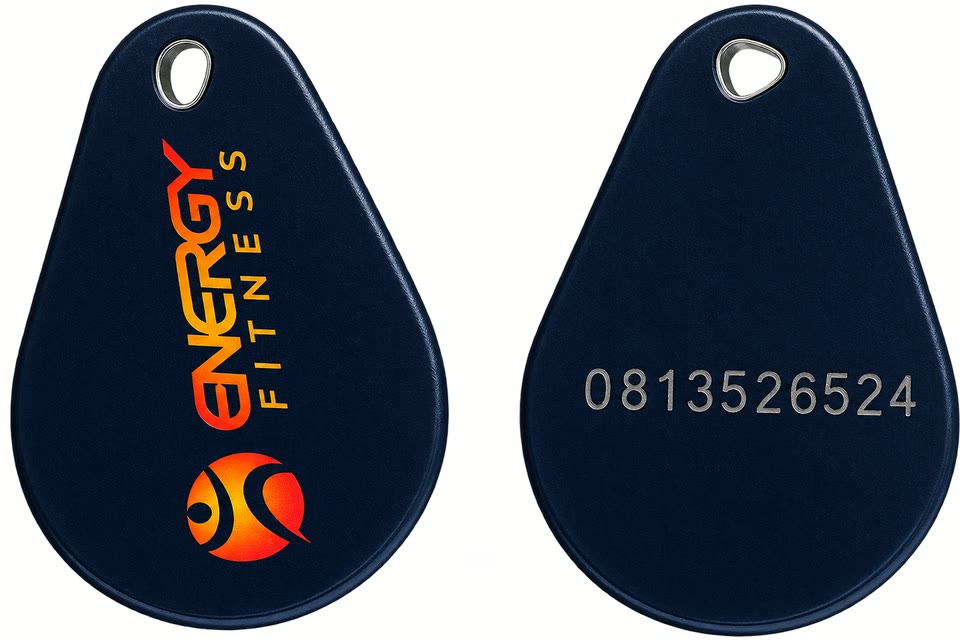
Send us the code
There is a code on the back of the key fob. Send it to hei@energyfitness.no.
Wait for the confirmation
When you receive confirmation by email, the key fob is ready to use.
You cannot have both mobile access and a key fob at the same time. If mobile access is switched on in the app, the key fob will not work.